

GitHub | npm
Overview
The Extruct AI n8n node lets you instantly enrich company data in your workflows using your custom Extruct tables. No code required.Why Use the Extruct AI n8n Node?
- Enrich company data by website or name, using your custom Extruct table columns
- Automate research and enrichment in any workflow (sales, investment, market research, etc.)
- Seamlessly integrate with CRMs, lead gen tools, and analytics
How It Works
-
Install the Extruct AI community node:
Follow the n8n community nodes guide to add the Extruct AI node to your n8n instance. -
Create a Table:
Start from a template or build your own table in Extruct AI with any custom columns you need (e.g., founding year, patents, CEO’s Twitter, last funding round, open job count, etc.). -
Get Your Table ID:
Copy the Table ID from the Extruct dashboard or directly from the table page URL. -
Add the Extruct Node in n8n:
- Make sure you have set up your Extruct API token as a credential in n8n (see Authentication).
- Paste your Table ID.
- Enter the company name or website (manually, from a Form Trigger, or any other node).
- Run the workflow. The node will add the company, trigger enrichment, and return a JSON object with the enriched results for all your custom columns.
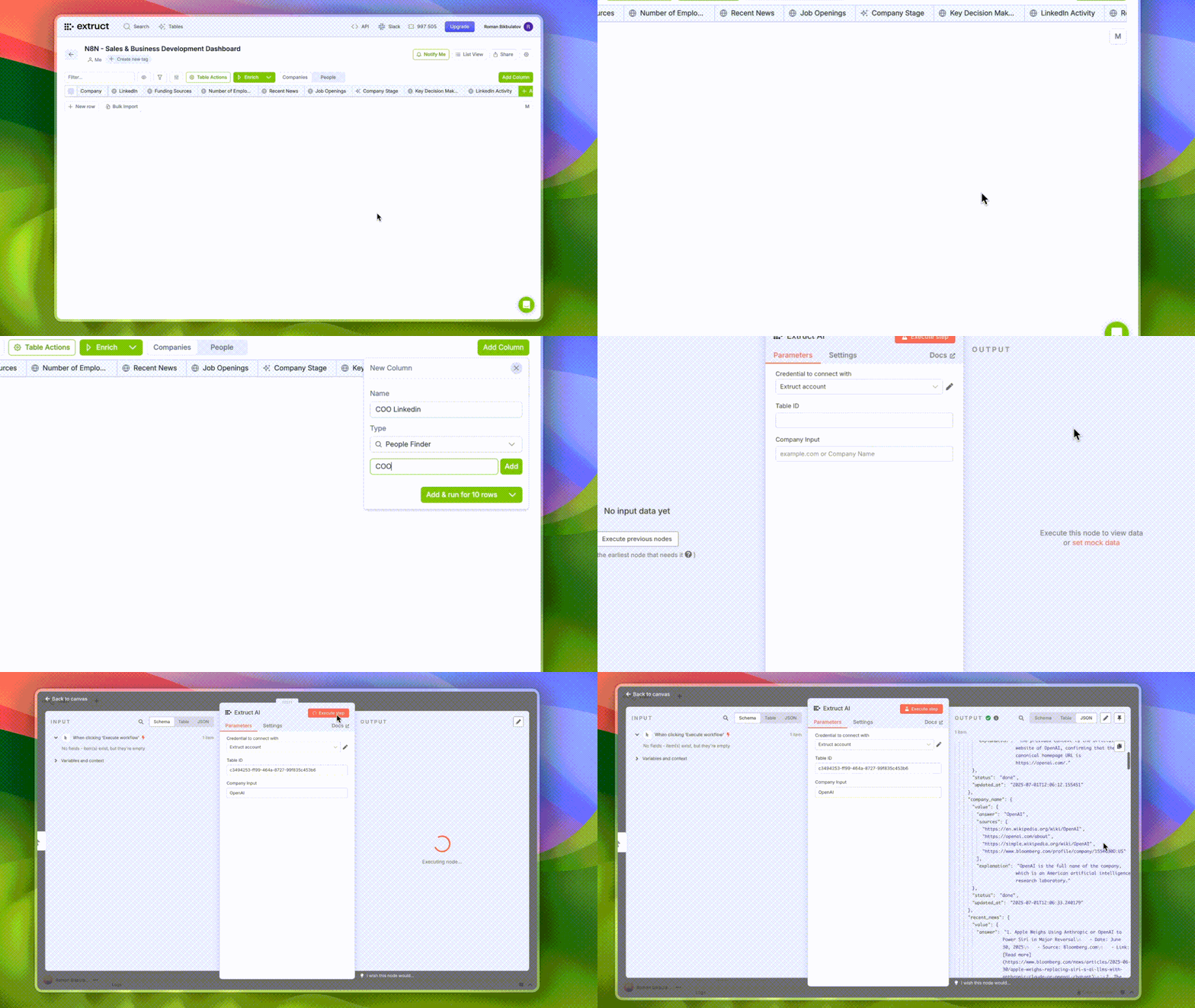
Example Workflow
Suppose you want to enrich a company by website and get its funding, team size, recent news headline, patent count, and head of HR LinkedIn profile. Input:Extruct Table Templates
Use these ready-to-go table templates for your n8n workflows:-
Sales and Business Development
Track leads, enrich company profiles, and automate sales research. -
Complete Startup Overview
Get a 360° view of startups with funding, team, and product data. -
Social Enrichment
Enrich companies with social profiles, Twitter, LinkedIn, and more.
Authentication
- Extruct API Token
- Sign up at extruct.ai
- Get your API token from the dashboard
- Add it as a credential in n8n